

Delta Issues
Track alerting Deltas as Issues that update and close automatically.
PreviewDelta Issues is currently in preview and is not enabled by default. Please contact your Bigeye representative if you would like to have it enabled for your instance.
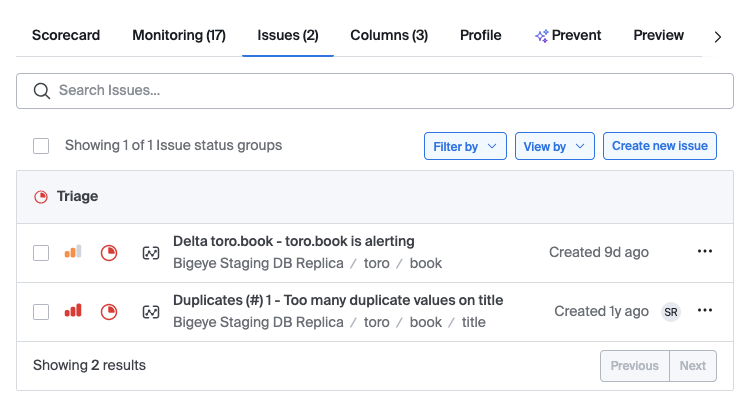
When a Delta alerts, Bigeye opens an Issue for it. You can triage Delta failures in the Issues list alongside your Metric Issues.
How Delta Issues work
Bigeye opens one Issue per Delta. The Issue reflects the Delta's overall alerting state, not the state of individual columns or target tables.
If the Delta alerts again on a later run, Bigeye updates the existing Issue instead of opening a new one. When a later run no longer alerts, Bigeye closes the Issue automatically.
You can assign and triage a Delta Issue like any other Issue. Notifications for the Issue use the Delta's notification settings.
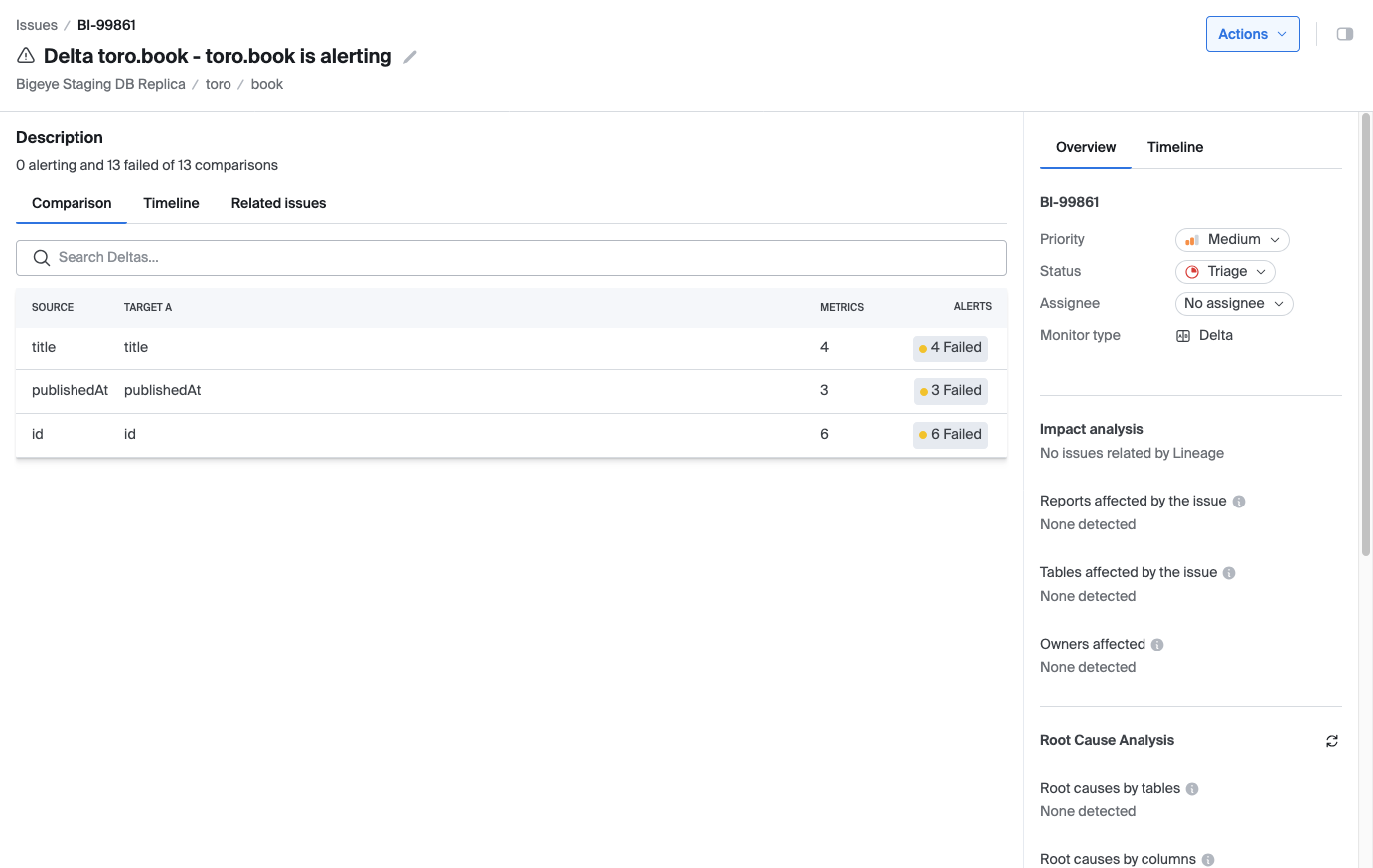
Issue page
The main area of the Issue page shows the same details as the Delta's own page. The side panel summarizes the Delta: its source and target tables, its schedule, how many comparisons are alerting out of the total, and a link to the Delta.
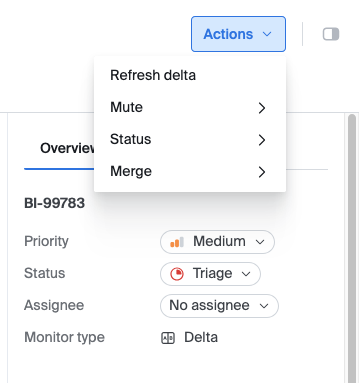
Edit and re-run a Delta from its Issue
You can change or re-check a Delta without leaving its Issue.
- Edit Delta opens the same editor available from the Deltas page.
- Re-run Delta runs the Delta immediately. If the problem is resolved, Bigeye closes the Issue.
Both actions require permission to edit Deltas in the workspace. Users with read-only access can view the Issue but cannot edit or re-run the Delta.
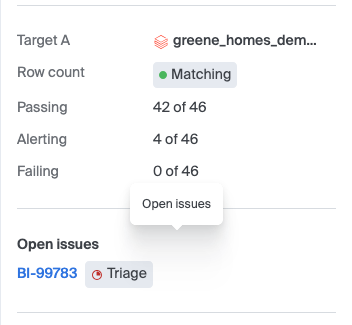
Open Issue indicator
A Delta with an open Issue shows an indicator on its detail page. Select the indicator to go to the Issue.
Deltas in the catalog
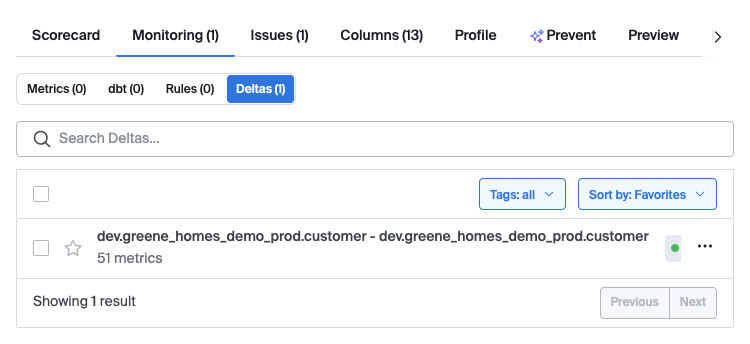
Open a table in the catalog and select the Monitoring tab. The Deltas subtab lists every Delta that involves the table.
A Delta appears on every table in the comparison, including the source table and all target tables. The counts on the Monitoring tab include Deltas. If a Delta involves several tables in the same schema or data source, Bigeye counts it once at that level.
Updated 5 minutes ago